


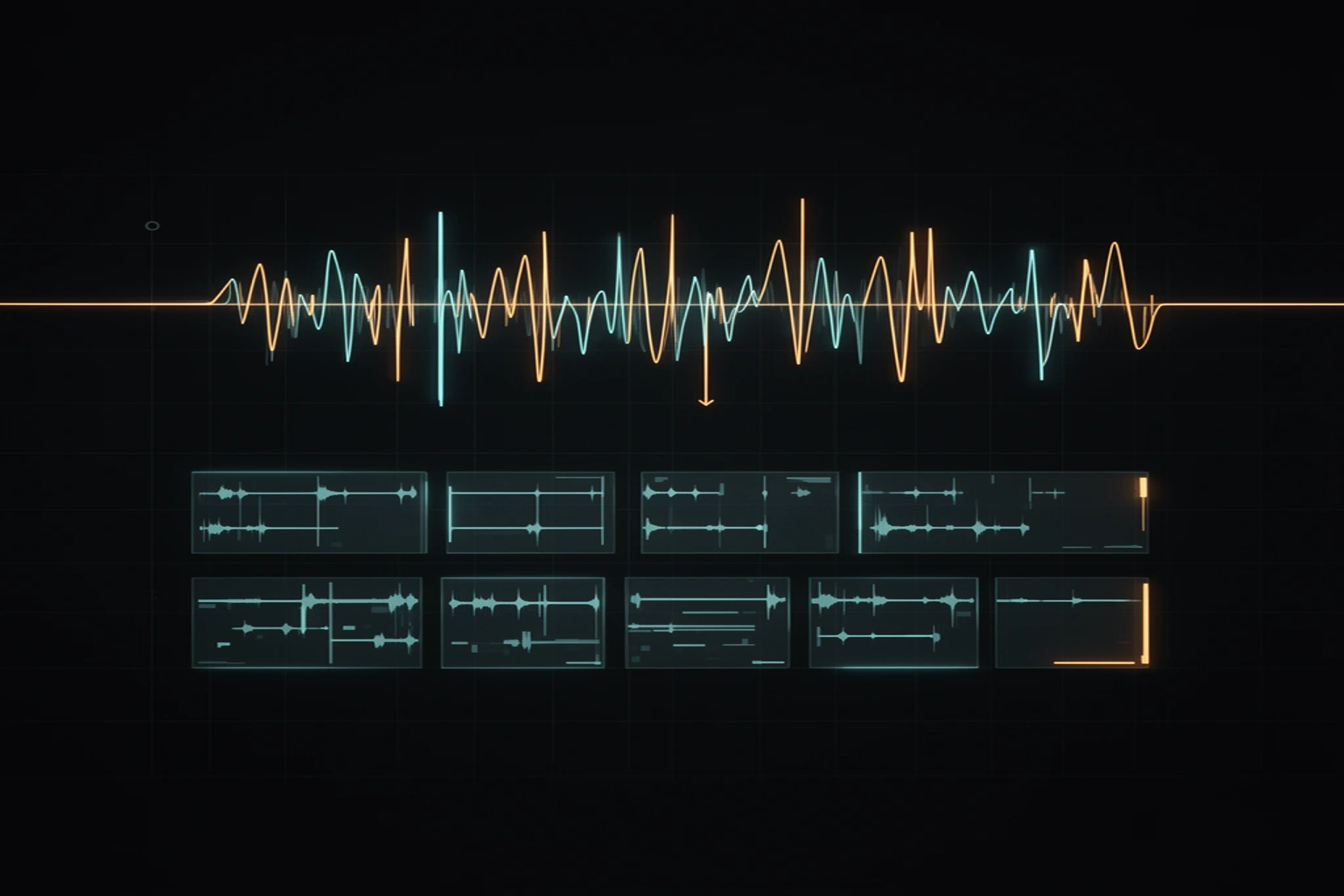
Reversing audio plays a clip from its last sample to its first. A sound that starts loud and fades away becomes one that swells and then stops. That is the whole trick behind the reverse cymbal, the swell before a drop, and most backwards textures. The free audio reverser does it in your browser, on a whole file or on one selected region.
What reversing does to a sound
Every struck or plucked sound has a sharp attack followed by a decay. Reversing swaps them, so the long decay becomes a rise and the attack lands at the very end of the clip. That is why a reversed cymbal works as a build: the swell peaks at the exact moment the clip stops.
A reversed clip has the same number of samples as the original, so it is exactly as long and still fits the same bar. The rhythm runs backwards too, so an accent that fell on beat 1 now falls at the end.
Landing a reverse cymbal on the downbeat
The swell has to finish on beat 1 of the next bar. A beat lasts 60 divided by the tempo, so at 120 BPM a beat is 0.5 s and a four-beat bar is 2.0 s. A crash that rings for 2.0 s, reversed, fills one bar and ends on the downbeat.
Select the first 2.0 s of the crash, starting at the hit, and reverse only that region. Then cut it out with Fade & Trim and place it so its end sits on the downbeat. The table gives the bar length at other tempos.
| Tempo | One beat | One bar of four beats |
|---|---|---|
| 90 BPM | 0.667 s | 2.667 s |
| 100 BPM | 0.600 s | 2.400 s |
| 120 BPM | 0.500 s | 2.000 s |
| 140 BPM | 0.429 s | 1.714 s |
Reversing a whole song, a vocal or a loop
Reversing a whole track is a quick way to hear what a sound does at the end of its life. Sustained notes swell, drums turn into sucking hits, and speech becomes unintelligible. Reverse only a short phrase if you want a texture that still sits in the mix.
The tool also adds a tape-stop ending of 0.5, 1, 2 or 4 seconds, where the audio slows and drops in pitch until it stops. Use the short one for a snappy fall-off and the long one for a dying-turntable effect.
Where reversed audio goes wrong
A reversed clip ends on whatever the original clip started with. If the original began abruptly, because it was cut mid-sound, the reversed clip ends on a sudden jump to silence. That step in the waveform is heard as a click, and a short fade at the end removes it.
Reversing an MP3 and saving a WAV does not bring back detail the MP3 already threw away. The WAV is 16-bit, so higher-resolution audio loses some precision on export, and your original file is unchanged.
The reverse-reverb trick, where a reverb tail builds up before a word, needs a reverb effect, which this tool does not have. Reverse the dry sound here, add the reverb in your DAW, and reverse it again.
When you need the part, not the whole song
Reversing works best on a clean hit, and finding one inside a finished song is the slow part. Song Chopper slices a track at its transients, and the WAV to SFZ mapper can turn a reversed hit into a playable instrument. If you want to know how slices are cut cleanly in the first place, read how sample chopping works.
SongChop in the studio separates stems and cuts beat-aligned loops and one-shots from a song you upload there, so you can reverse an isolated cymbal. The studio does not receive the file you used in the free tool. Free usage has limits, so review the cost before you process a song.
Whether you can use a reversed sample depends on the rights you hold to the recording it came from. The tool places no limit on the output.
Free tools for this job
Free browser tools that go with this post.
- Audio Reverser (songchop.com) — Reverse a whole track or just a selection — plus a one-tap tape-stop effect.
- Song Chopper (songchop.com) — Split any track into transient-cut slices and download them as WAV or ZIP.
- WAV → SFZ Instrument Mapper (vstchop.com) — Drop one-shots, auto-detect their root notes, play the keyboard, export SFZ + DecentSampler.
- Fade & Trim (songchop.com) — Cut a region, add clean fades, normalize, and export — the fast everyday edit.