



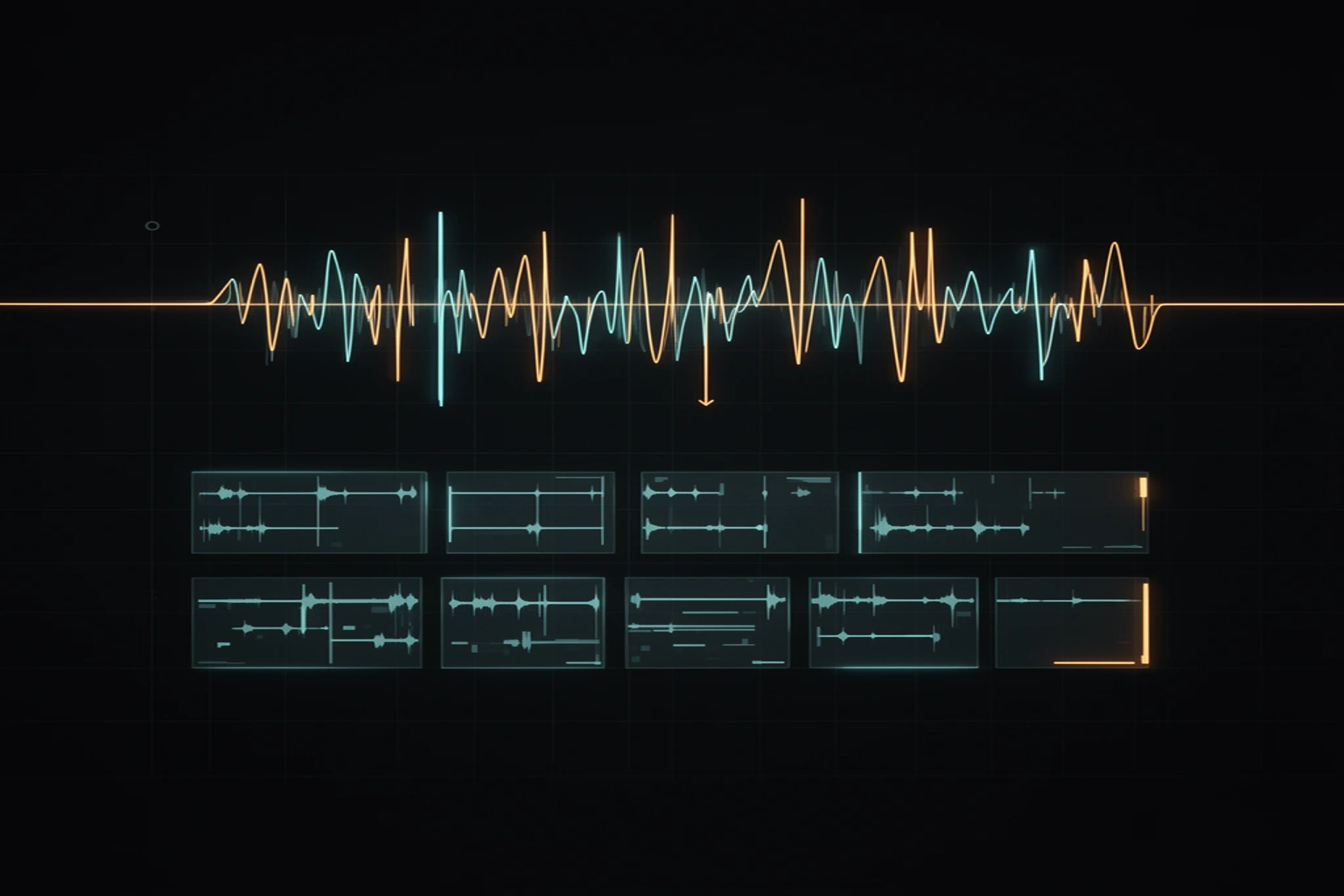
Chopping a song into samples looks like one operation — cut the audio into pieces — but the difference between a slice and a playable sample is decided by three small choices: where the cut lands, what happens in the first few milliseconds after it, and how the piece ends. Get those right and a chop sits on a pad like it was recorded there. Get them wrong and every hit starts late, clicks, or drags the next chord in behind it.
This guide walks through the mechanics in plain terms: transient detection, zero-crossing cut points, fade shapes, and the arithmetic that turns a BPM into slice lengths you can trust.
Transients first, grid second
A transient is the short burst of energy at the start of a sound — the crack of a snare, the pick hitting a string, the first consonant of a vocal phrase. Chopping at transients means every slice begins exactly where a musical event begins, so the pad responds the instant you press it.
An equal-time grid, by contrast, divides the file into identical lengths and hopes the music cooperates. On a quantized drum loop the two methods agree. On anything played by a human, grid cuts land a few tens of milliseconds off the hit, and the ear reads that as lag — the slice technically contains the sound, but the attack is buried behind silence or, worse, behind the tail of the previous note.
The cut point rule: zero crossings
Audio is a waveform oscillating above and below zero. Cut it mid-swing and the file jumps from some value straight to silence — a step the speaker has to reproduce, which it renders as a click. The fix is to nudge each cut to the nearest zero crossing, the sample where the waveform passes through zero on its own.
The nudge is tiny — usually under a millisecond — so the timing of the slice is untouched, but the discontinuity disappears. Every serious sampler and editor does this silently, and it is the single cheapest upgrade to any chopping workflow. The full physics of the click, and the stereo catch that comes with it, gets its own guide next week.
Fades: about 3 ms in, 30 ms out
Zero crossings remove the step at the cut, but the safety net is a micro-fade. A fade-in of around 3 milliseconds — 132 samples at 44.1 kHz — is shorter than any musical attack, so the transient still hits at full force while anything pathological at the boundary is smoothed away.
The fade-out earns more room: around 30 milliseconds lets the slice end like a note decaying instead of a door slamming. The asymmetry is deliberate. The start of a sample carries the groove and must stay sharp; the end only has to leave politely.
Tails, bleed, and why slices smear in a full mix
Chop a solo drum break and every slice is clean. Chop a finished record and each slice drags neighbors with it: the reverb tail of the last chord, the bass note that started a beat earlier, cymbal wash from two bars back. That is not a detector failure — the energies genuinely overlap in the file, and no cut point can separate sounds that occupy the same moment.
Soft onsets cause the mirror-image problem. Pads, strings, and swelling vocals ramp up over hundreds of milliseconds, so there is no sharp energy jump for a transient detector to find, and cut points on sustained material are always partly editorial. When a chop from a dense mix sounds smeared, the honest fixes are to chop a sparser section, shorten the slice, or separate the stems first so each instrument is chopped alone.
A worked example at 87 BPM
Slice lengths are arithmetic on the beat period: 60,000 divided by the BPM gives milliseconds per beat. At 87 BPM, the classic boom-bap pocket, the numbers come out like this.
| Musical unit | At 87 BPM | What it is good for |
|---|---|---|
| 1 beat | 690 ms | single drum hits, stabs |
| Half beat | 345 ms | tight one-shots, vocal syllables |
| 1 bar (4/4) | 2.76 s | chord slices, melodic phrases |
| 4 bars | 11.03 s | full loops worth keeping |
If you do not know the tempo yet, read it from the file first — the free BPM finder linked below does it in the browser — and the slice lengths stop being guesses.
When you need the whole song, not eight slices
The free chopper on this site cuts one song into transient-aligned slices, in your browser, and that is genuinely enough to audition an idea. What it cannot do is see inside the mix. SongChop in the studio separates the stems first, then chops each instrument on its own timeline — so the bass slice contains bass, the drum slice contains drums — and returns beat-locked loops, categorized one-shots, and slices named by BPM and key, for your whole library, with results cached so a song is only ever processed once.