



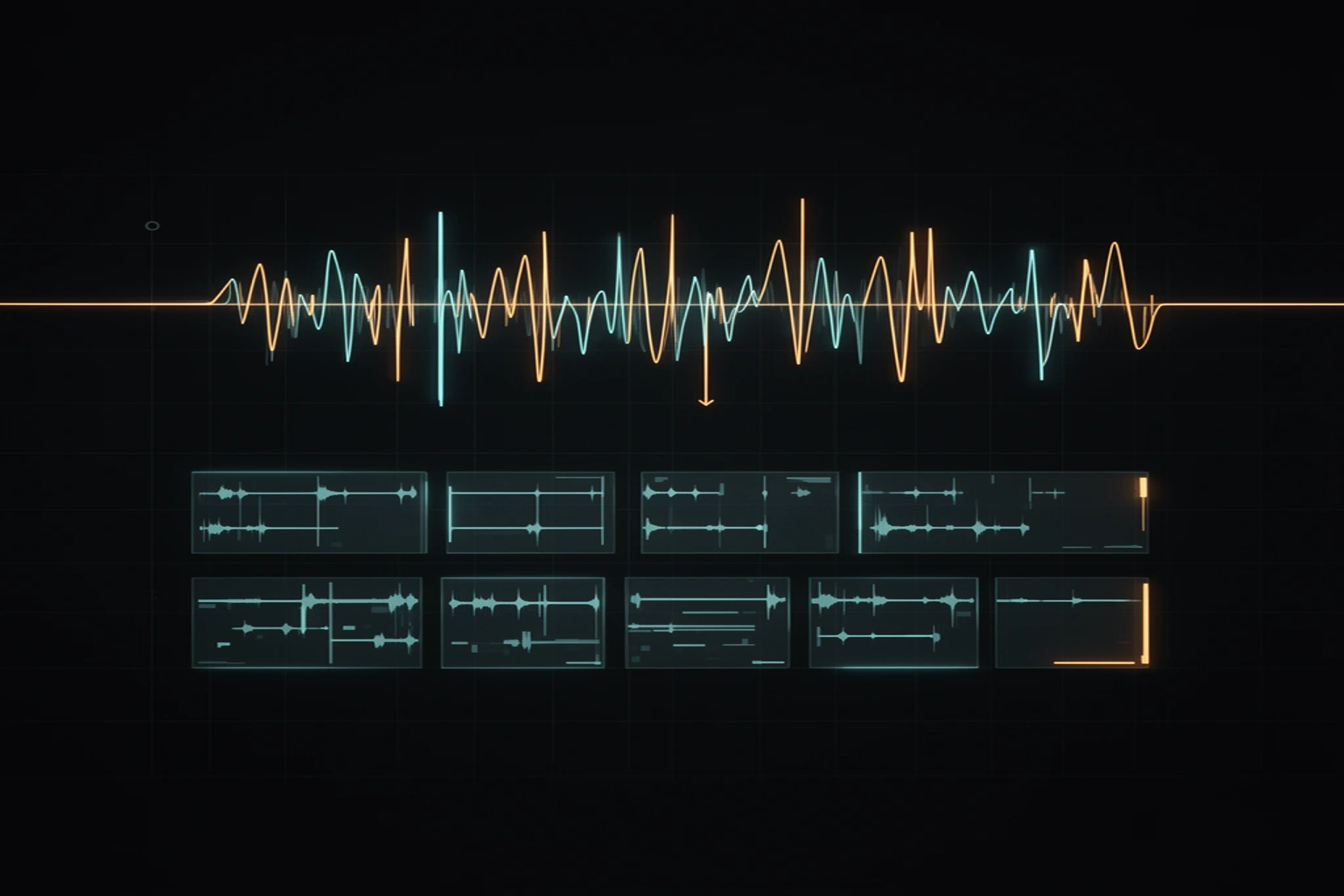
Cut a sample in the wrong place and you hear a click — a tiny, dry pop stapled onto the start or end of the slice. It shows up in every DAW and every sampler, which is the clue: the click is not a software bug. It is physics, it has exactly three causes, and all three have mechanical fixes you can apply in under a minute.
A click is a step in the waveform
A speaker cone follows the waveform. If the audio ends mid-swing — say the last sample sits at 30% of full scale — and the next sample is silence at zero, the cone is ordered to jump instantly between two positions. An instantaneous step contains energy at every frequency at once, and broadband energy in a few samples is, by definition, a click.
Three situations create that step: a cut placed mid-cycle, where the waveform is far from zero; a loop whose end value does not match its start value; and DC offset, where the whole recording rides slightly above or below the zero line so even quiet moments are not actually at zero.
The zero-crossing rule
A zero crossing is a sample where the waveform passes through zero on its own. Cut there and the step vanishes — the audio was at zero, and the silence after the cut is also zero, so the cone never jumps. Editors that snap cuts to zero crossings are doing a search of a few dozen samples around your click point, which at 44.1 kHz moves the cut by less than a millisecond.
That nudge is inaudible as timing but decisive as continuity. It is why two edits that look identical on a zoomed-out waveform can sound completely different at the boundary.
The stereo catch: two channels, one cut point
Stereo files hide a trap: the left and right channels almost never cross zero at the same sample. A cut that is perfectly clean on the left can still land mid-swing on the right, so snapping to a zero crossing removes at most one channel's click. This is not an editor limitation — it is two independent waveforms sharing one timeline.
The practical consequence: on stereo material, zero-crossing snapping reduces the click but cannot guarantee silence. The guarantee comes from the second mechanism, the micro-fade.
Fade lengths that actually work
A fade multiplies the boundary samples down to zero, which turns any step — left, right, or both — into a short ramp the cone can follow. At 44.1 kHz, a 3 millisecond fade-in is 132 samples: long enough to kill the discontinuity, short enough that a drum transient, which needs several milliseconds to develop anyway, arrives intact.
On the way out, around 30 milliseconds reads as a natural decay instead of an abrupt stop. Those two numbers are the working defaults in the SongChop pipeline for exactly this reason: the start of a slice carries the groove, the end just has to leave without slamming the door.
DC offset: the click you cannot cut around
Some recordings — old hardware samplers, cheap interfaces, certain vinyl rips — sit slightly off-center, with the whole waveform shifted above or below zero. Now there are no true zero crossings anywhere, so every cut produces a step no matter how carefully it is placed.
The tell is a click on every single edit of one particular source file while the same edits are clean elsewhere. The fix is a gentle high-pass filter around 20 Hz or your editor's remove-DC function, applied once to the source before chopping.
Clean cuts on every slice, automatically
Everything above is applied by hand to one cut at a time, and the free trimmer on this site will do it for a single file in your browser. SongChop in the studio applies the whole discipline — zero-crossing snapping, 3 millisecond attacks, 30 millisecond releases — to every slice of every stem it cuts, across your whole library, so the four hundredth chop is as clean as the first. Results are cached, so a song is only processed once.